Setting and using Goals
Set specific targets, track your progress with delta improvements, and stay motivated with visual goal tracking.
The Goals Page is a critical component for tracking your long-term progress and maintaining motivation. It allows you to set specific targets for any exercise and visualize your improvements over time.
Goal Setting
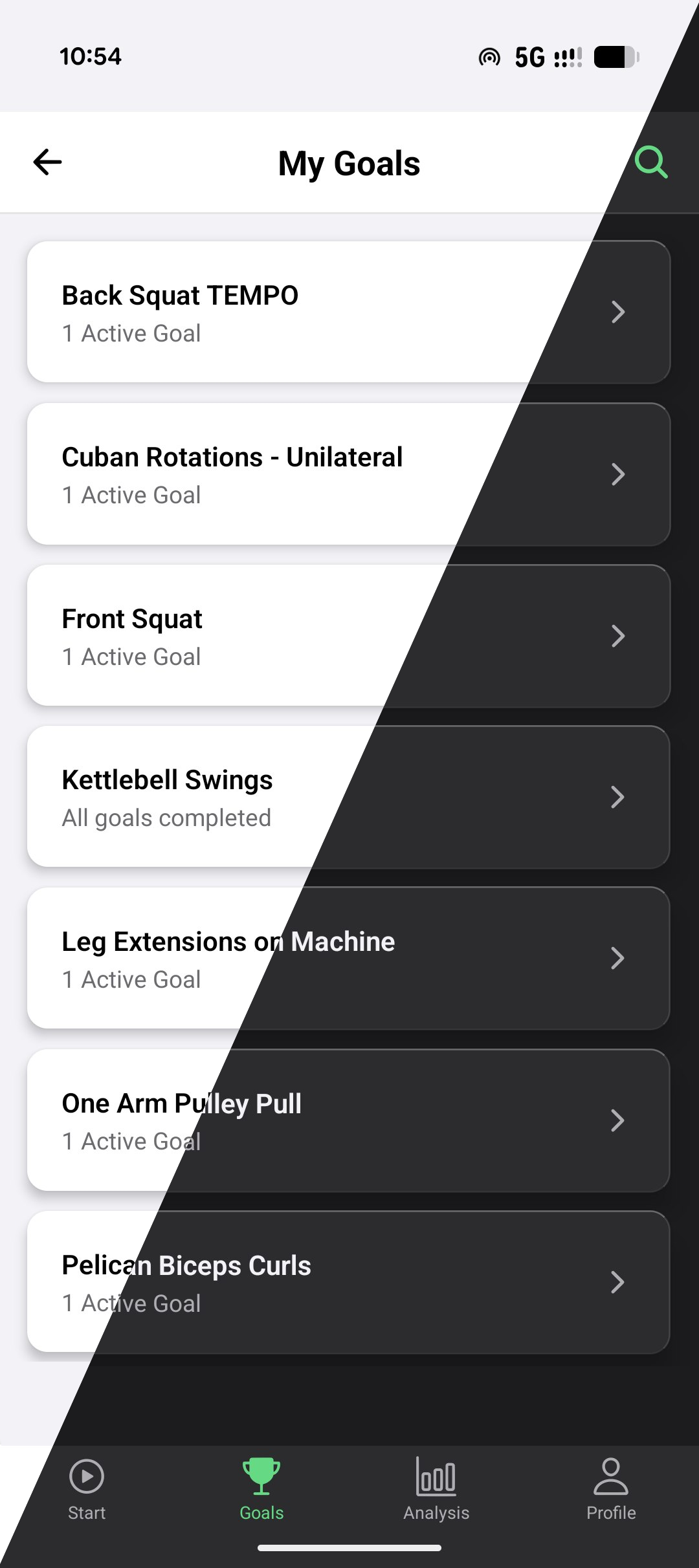
Setting goals is psychologically rewarding and helps maintain high engagement with your training. We recommend setting multiple goals for exercises you perform regularly.
Creating Goals
You can create goals for any exercise in your routine.
- Specific Targets: Define a target load (e.g., 100kg Bench Press) and a target number of reps (e.g., 10 reps).
- Variety: Don’t limit yourself to just a 1-Rep Max (1RM). Set goals for:
- 3-Rep Max
- 5-Rep Max
- 10-Rep Sets
- Total Volume (e.g., 5000kg total volume for Squats in a session)
- Static Holds (e.g., 10s Front Lever)
Goal Strategy: Set More Goals
The single most impactful thing you can do to stay motivated is to set many goals.
A common mistake is to set only one goal per exercise, such as a 1-Rep Max. This can lead to infrequent motivational signals. Instead, break each exercise into multiple overlapping goals across different rep ranges, metrics, and dimensions of performance:
Example: Bench Press
- 100kg × 1 (1RM goal)
- 80kg × 5 (5RM goal)
- 70kg × 10 (10RM goal)
- 60kg × 20 (endurance goal)
Example: Front Lever
- 5s hold
- 8s hold
- 12s hold
- Tuck Front Lever × 20s
Example: Calisthenics progression
- Pull-up at -10kg (assisted)
- Pull-up at 0kg (unassisted)
- Weighted Pull-up at +10kg
When you complete one, the dopaminergic system fires. This is because you have a clear target and you know exactly how far you are from it. The neuroscience behind this is covered in depth in the science behind goals.
Recommendation: For every exercise you care about, set at least 3 goals at different difficulty levels. You should be completing goals regularly, not just on peak performance days.
Tracking Progress
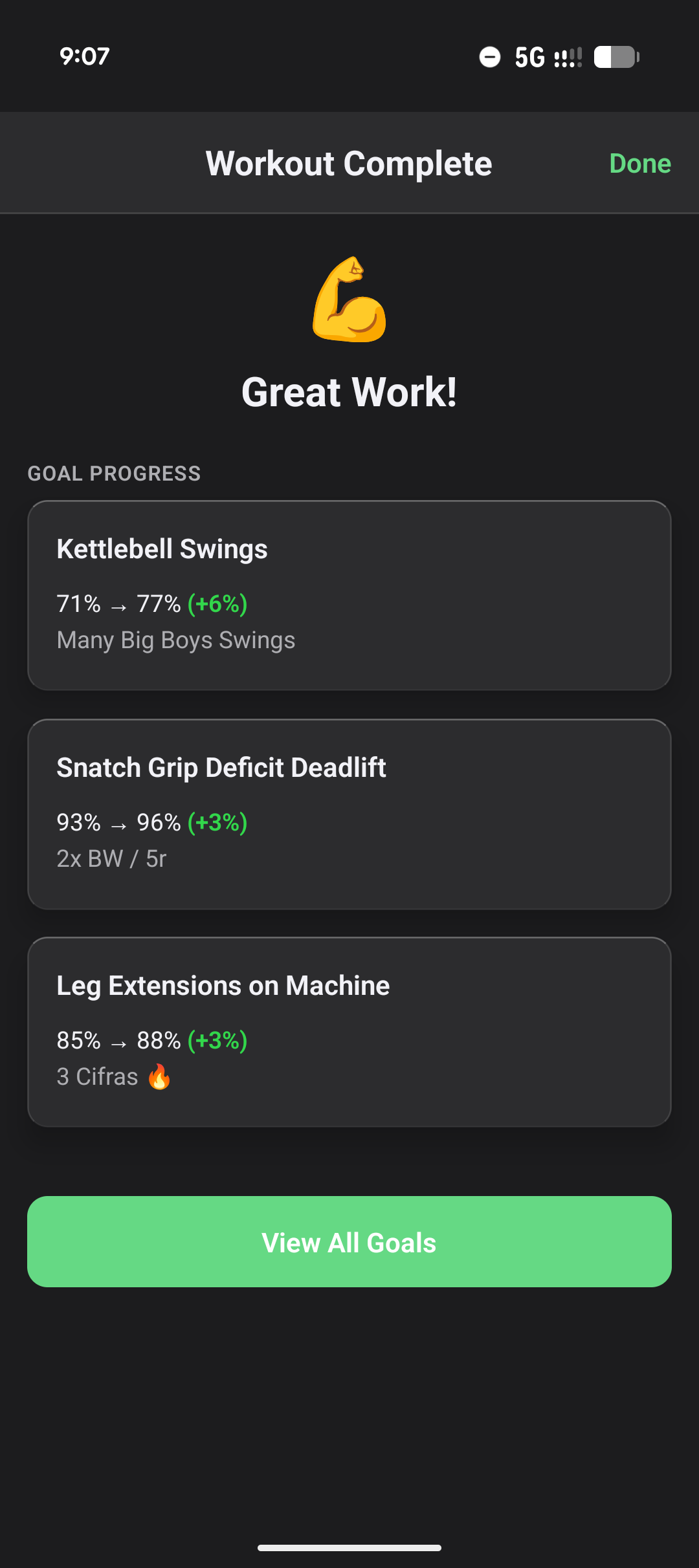
The app automatically tracks your progress towards every defined goal after each workout.
Delta Improvement
After finishing a workout, you will see a Goal Overview with your delta improvement score.
What is Delta? Delta measures how much closer (or further) you got to your goal compared to your previous best. It’s calculated using estimated 1RM and volume metrics to provide a unified progress score.
Example:
| Goal | Previous Best | Today’s Performance | Delta |
|---|---|---|---|
| 100kg × 10 reps | 100kg × 7 reps | 100kg × 8 reps | +5% |
The +5% indicates you’re measurably closer to your target. If you had performed worse than your previous best, you’d see a negative delta.
Multiple Goals: If you have multiple goals for an exercise, the app calculates a combined progress score based on all relevant metrics.
Goals List
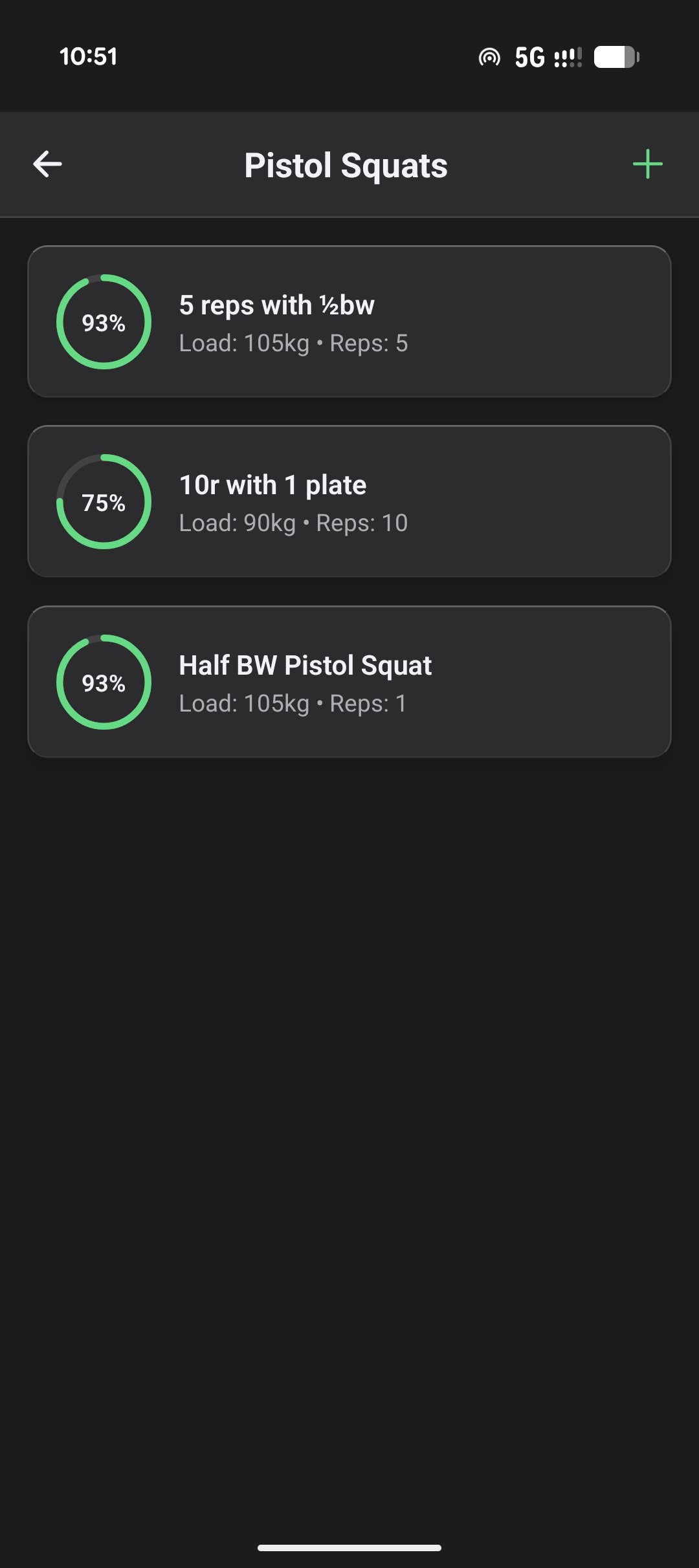
The Goals Page displays all active goals for your exercises. You can:
- View Progress: See visual indicators of how close you are to completion.
- Edit Goals: Modify targets as your training evolves.
- Complete Goals: A goal is marked complete when you match or exceed your target in a single set.
Goal Completion Examples:
| Goal | Performance | Status |
|---|---|---|
| 100kg × 10 reps | 100kg × 10 reps | ✓ Complete |
| 100kg × 10 reps | 100kg × 11 reps | ✓ Complete |
| 100kg × 10 reps | 105kg × 10 reps | ✓ Complete |
| 100kg × 10 reps | 100kg × 9 reps | ✗ In Progress |
Active vs. Inactive Status
- Active Goals: Goals that are currently being tracked and contribute to your consistency analysis.
- Inactive Periods: If you are injured or on vacation, toggle the goal or routine to “Inactive” so that missed workouts do not negatively impact your adherence score. You can also edit this retroactively in the Analysis tab.
Learn more about the science behind goal-setting and motivation →